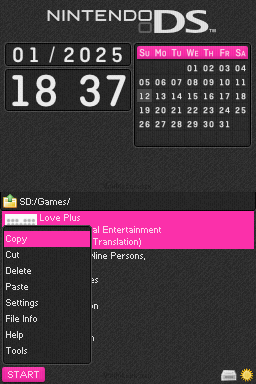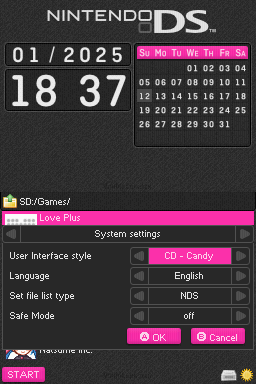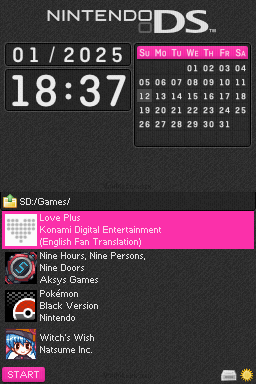
Clean Dark - Candy
johnbearDownloads
Download CD - Candy.7z Last Updated:
Theme Installation Instructions
Select the flashcart kernel you are using from this list:
-
Download
CD - Candy.7z. -
Open/Extract the
.7zarchive. You can use 7-Zip to do this. -
Inside the 7z archive, you will find a folder called
CD - Candy. Copy this folder to/__rpg/uion your flashcart’s SD card. -
Place the SD card back into your cart, and boot into the cart.
-
Press the
STARTkey to open the AKMenu/WoodR4 start menu popup, then selectSettings. -
Set the theme to
CD - Candy, then pressAto save, andAagain to restart.