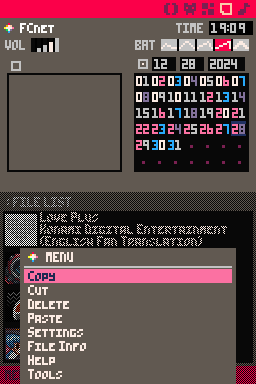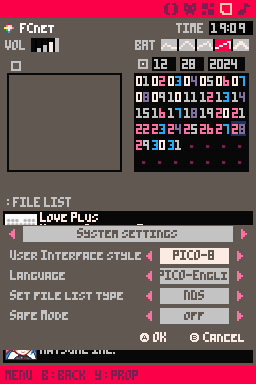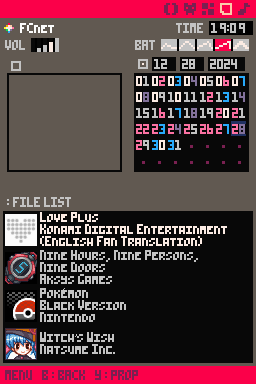
PICO-8 - AKMenu Edition
Vulpes-Vulpeos & SanrasDownloads
Download PICO-8 AKMenu.7zTheme Installation Instructions
Select the flashcart kernel you are using from this list:
-
Download
PICO-8.7z. -
Open/Extract the
.7zarchive. You can use 7-Zip to do this. -
Inside the 7z archive, you will find a folder called
PICO-8. Copy this folder to/__rpg/uion your flashcart’s SD card. -
Place the SD card back into your cart, and boot into the cart.
-
Press the
STARTkey to open the AKMenu/WoodR4 start menu popup, then selectSettings. -
Set the theme to
PICO-8, then pressAto save, andAagain to restart.
Additional Steps
This theme requires additional steps to install due to using a custom font.
-
After following the instructions above, navigate into the
PICO-8folder in youruifolder on the flashcart’s SD. -
Open the
Theme_Datafolder, and find thepico-8.pcffile. -
Copy
pico-8.pcfto/__rpg/fonts(or/__aio/fontsfor AKAIO) on your SD. -
Copy the
PICO-Englishfolder fromTheme_Datato/__rpg/language(or/__aio/languagefor AKAIO) -
Boot into the cart and open settings. Set the language to
PICO-English.