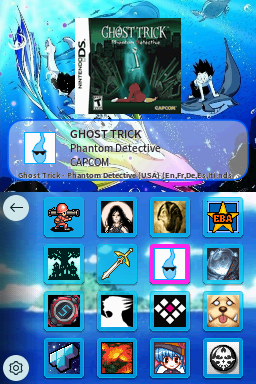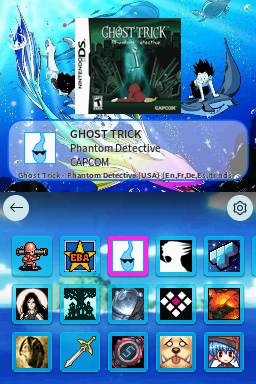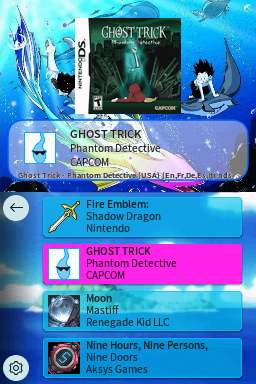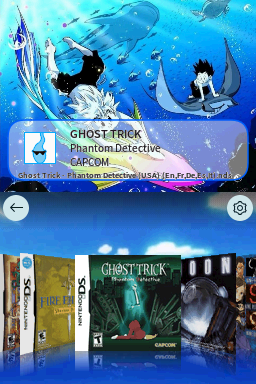
Gon And Killua Ocean Chill Vibes
AdoptedJellyFishIts ocean theme what more do you want from me :)
Theme Installation Instructions
-
Download
Gon And Killua Ocean Chill Vibes.7z. -
Open/Extract the
.7zarchive. You can use 7-Zip to do this. -
Inside the
.7zarchive, you will find a folder calledGon And Killua Ocean Chill Vibes. Copy this folder to/_pico/themeson your flashcart’s SD card. -
Navigate to the
_picofolder, and find thesettings.jsonfile. Open it with Notepad. -
Edit the
"theme":line, changing the theme name toGon And Killua Ocean Chill Vibes. -
The final edited line in
settings.jsonshould look like this:"theme": "Gon And Killua Ocean Chill Vibes", -
Place the SD card back into your cart, and boot into Pico-Launcher.
-
The icon/coverflow layout mode is changeable in the Pico-Launcher settings menu. Change it if the theme requires a specific layout.