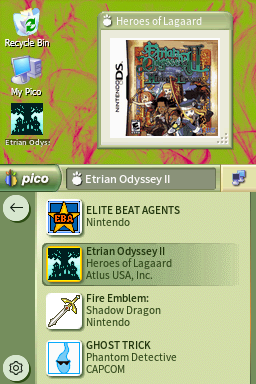
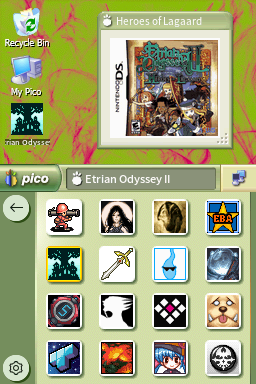
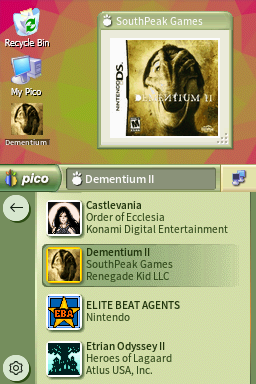
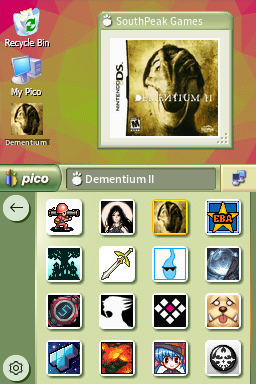
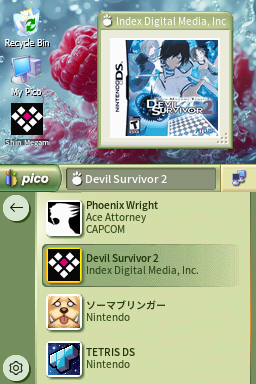
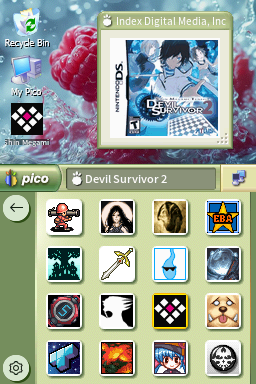
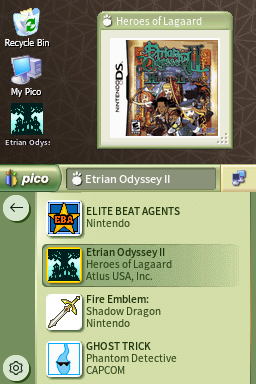
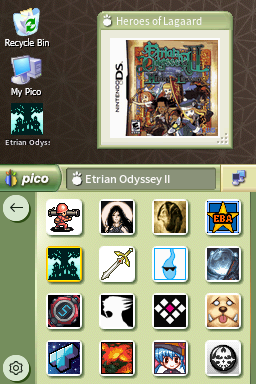
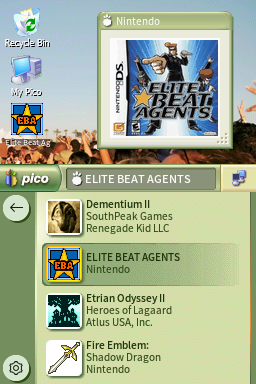
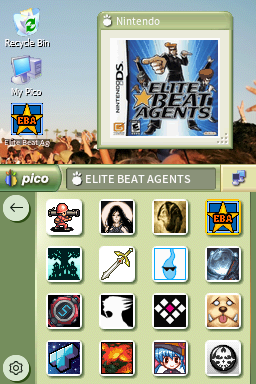
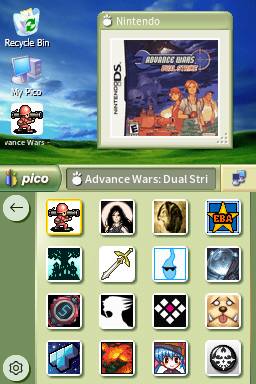
![PicoXP Luna Olive [Vertical]](/assets/images/pico/PicoXP Luna Olive - Tulips V/1.png)
PicoXP Luna Olive [Vertical]
360adTheme based on Windows XP.
Downloads
Download PicoXP Luna Olive - Tulips V.7z Download PicoXP Luna Olive - Azul V.7z Download PicoXP Luna Olive - Bliss V.7z Download PicoXP Luna Olive - Desert V.7z Download PicoXP Luna Olive - Embedded V.7z Download PicoXP Luna Olive - Energy Bliss V.7z Download PicoXP Luna Olive - Field V.7z Download PicoXP Luna Olive - Flag (Blue) V.7z Download PicoXP Luna Olive - Flag (Green) V.7z Download PicoXP Luna Olive - Flag (Grey) V.7z Download PicoXP Luna Olive - Flag (Orange) V.7z Download PicoXP Luna Olive - Flag (Pink) V.7z Download PicoXP Luna Olive - GreenPink V.7z Download PicoXP Luna Olive - PicoFX V.7z Download PicoXP Luna Olive - Picometric V.7z Download PicoXP Luna Olive - PinkGreen V.7z Download PicoXP Luna Olive - Raspberry V.7z Download PicoXP Luna Olive - Wind V.7z Download PicoXP Luna Olive - Zune Pattern V.7z Download PicoXP Luna Olive - Zune V.7zTheme Installation Instructions
-
Download
PicoXP Luna Olive - Tulips V.7z. -
Open/Extract the
.7zarchive. You can use 7-Zip to do this. -
Inside the
.7zarchive, you will find a folder calledPicoXP Luna Olive - Tulips V. Copy this folder to/_pico/themeson your flashcart’s SD card. -
Navigate to the
_picofolder, and find thesettings.jsonfile. Open it with Notepad. -
Edit the
"theme":line, changing the theme name toPicoXP Luna Olive - Tulips V. -
The final edited line in
settings.jsonshould look like this:"theme": "PicoXP Luna Olive - Tulips V", -
Place the SD card back into your cart, and boot into Pico-Launcher.
-
The icon/coverflow layout mode is changeable in the Pico-Launcher settings menu. Change it if the theme requires a specific layout.
Multiple Wallpaper Options
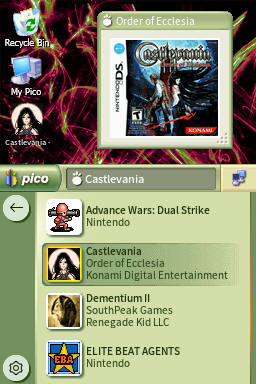
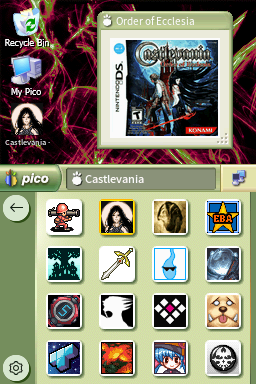
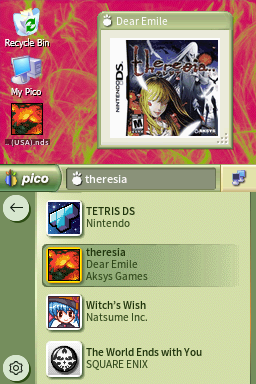
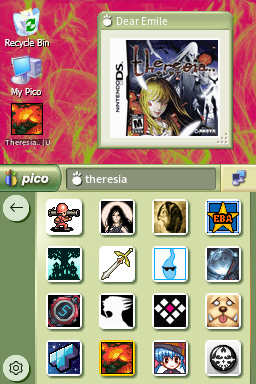
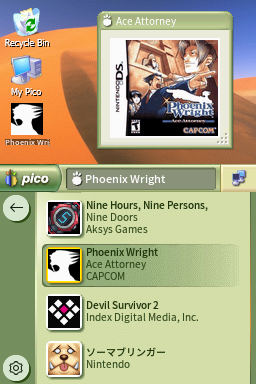
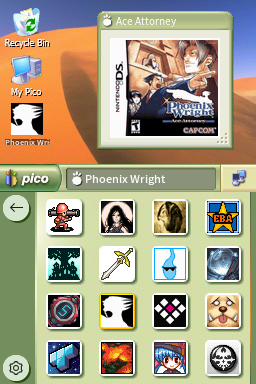
This theme has many different wallpapers available, so check out the previews! If you choose to use one of the other wallpaper versions instead of the default Tulips wallpaper, simply subsitute PicoXP Luna Olive - Tulips V in the installation instructions above with the theme name of your wallpaper choice.
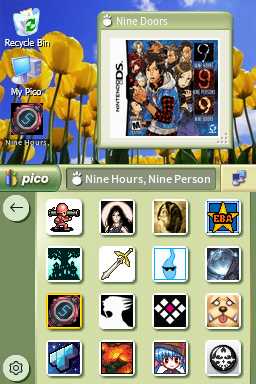
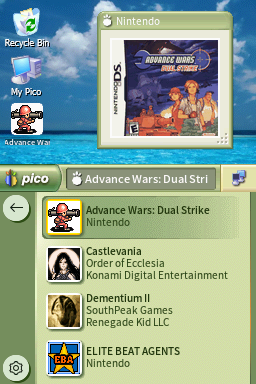
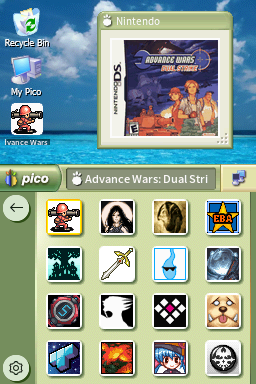
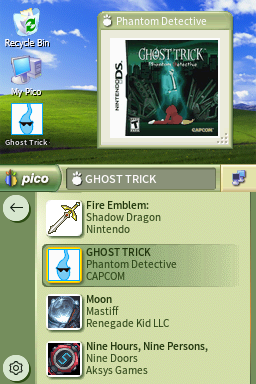
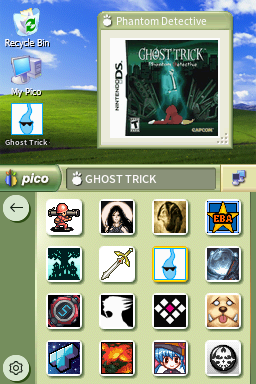
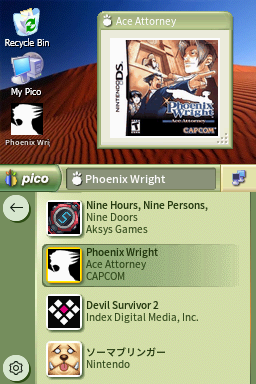
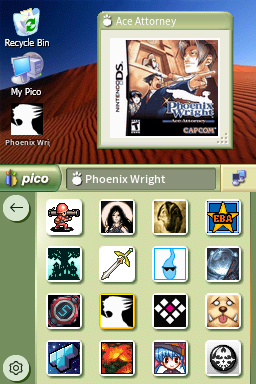
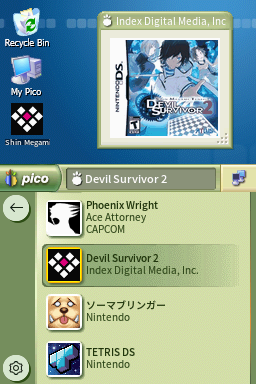
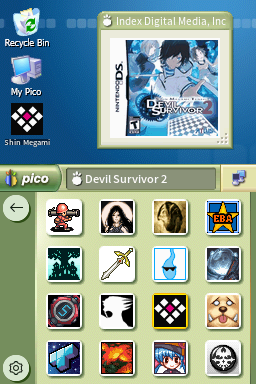
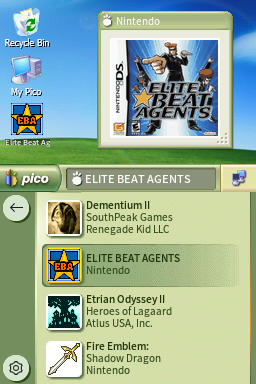
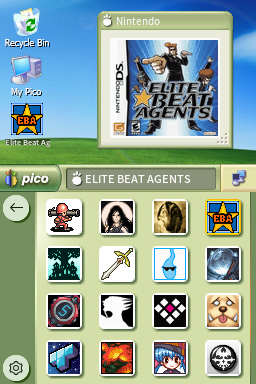
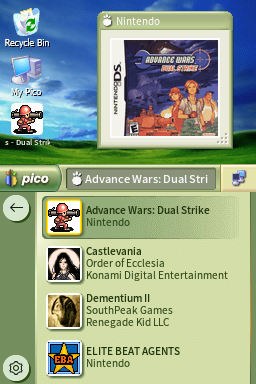
 V/1.png)
 V/2.png)
 V/1.png)
 V/2.png)
 V/1.png)
 V/2.png)
 V/1.png)
 V/2.png)
 V/1.png)
 V/2.png)