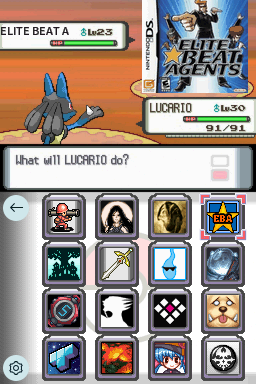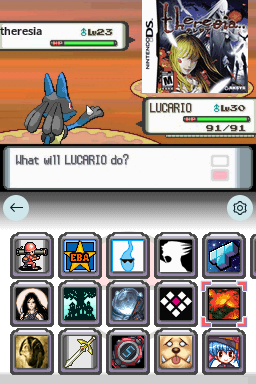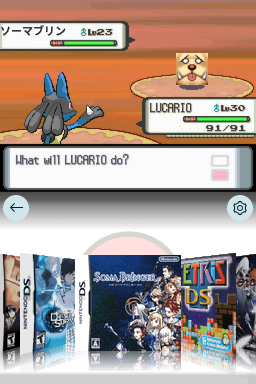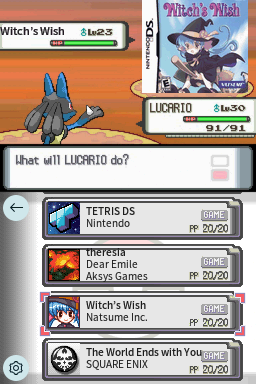
Pokemon Battle Pearl-Diamond
MamamiaA theme with the style of Pokemon Diamond and Perl's Pokemon battle (Turn off your folder cover by renaming it if you want to see the icons as enemies)
Downloads
Download Pokemon Battle Pearl-Diamond.7zTheme Installation Instructions
-
Download
Pokemon Battle Pearl-Diamond.7z. -
Open/Extract the
.7zarchive. You can use 7-Zip to do this. -
Inside the
.7zarchive, you will find a folder calledPokemon Battle Pearl-Diamond. Copy this folder to/_pico/themeson your flashcart’s SD card. -
Navigate to the
_picofolder, and find thesettings.jsonfile. Open it with Notepad. -
Edit the
"theme":line, changing the theme name toPokemon Battle Pearl-Diamond. -
The final edited line in
settings.jsonshould look like this:"theme": "Pokemon Battle Pearl-Diamond", -
Place the SD card back into your cart, and boot into Pico-Launcher.
-
The icon/coverflow layout mode is changeable in the Pico-Launcher settings menu. Change it if the theme requires a specific layout.